
Programs / Asset & Inventory Tracker
Asset & Inventory Tracker
Know what you own, where it is and who has it. One register for all of it.
- Trial with up to 10 assets
- Windows 10 & 11
- No credit card
- Companies
- Warehouses
- Repair shops
- Offices
- Schools
- Associations
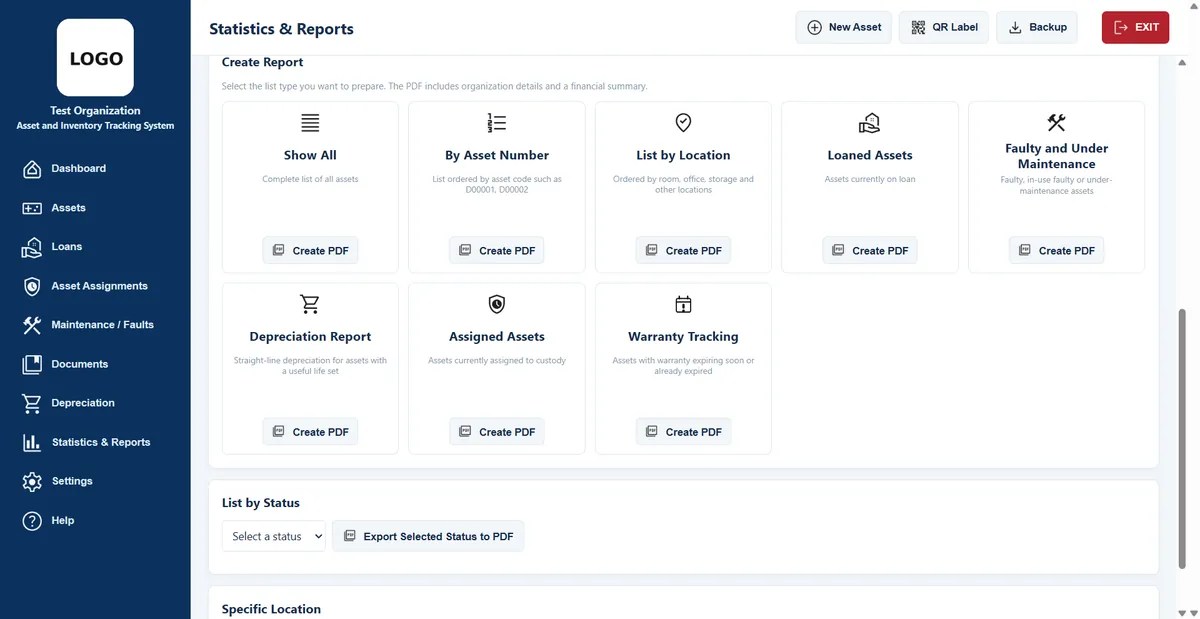
Asset register
Every asset, with its paperwork.
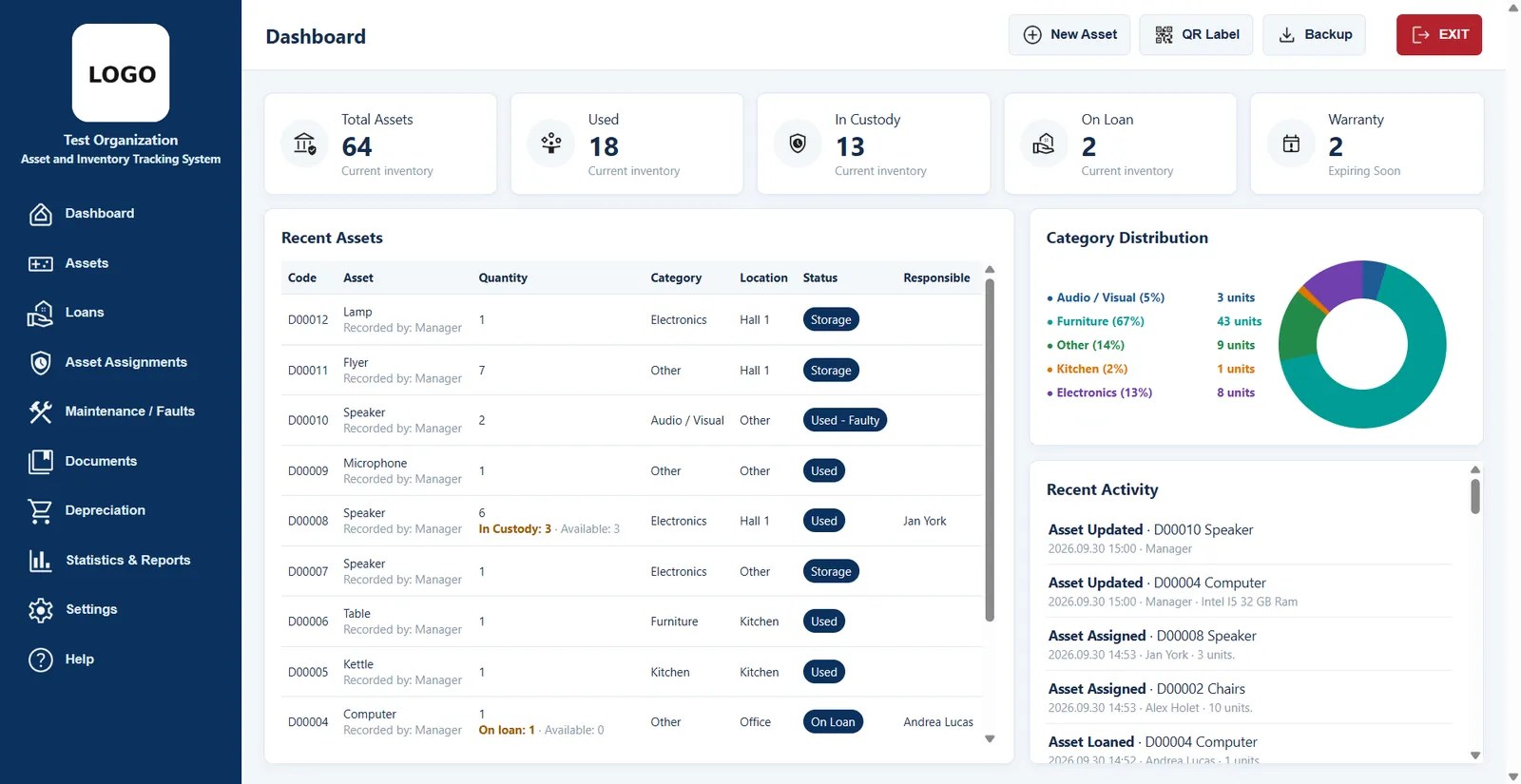
- Categories, locations and photos for every item, with an automatic asset code.
- Invoices and warranty documents attached to the asset they belong to.
- Search and filter by code, name, category, location or responsible person, then export the list to PDF.
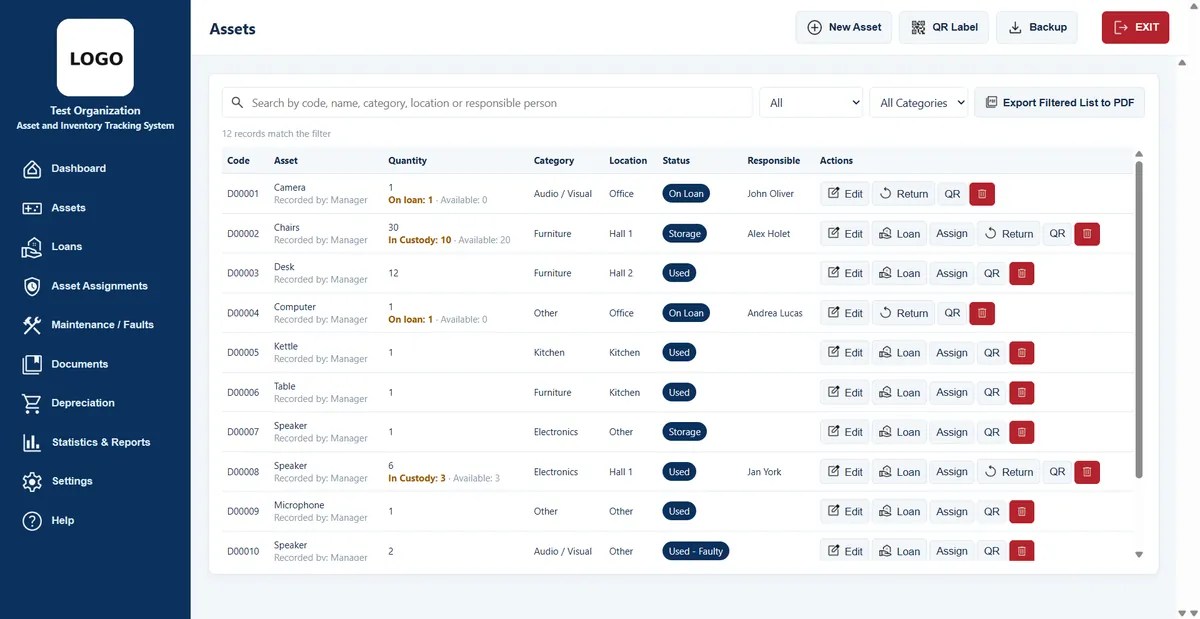
Loans and assignments
Who has what, signed and filed.
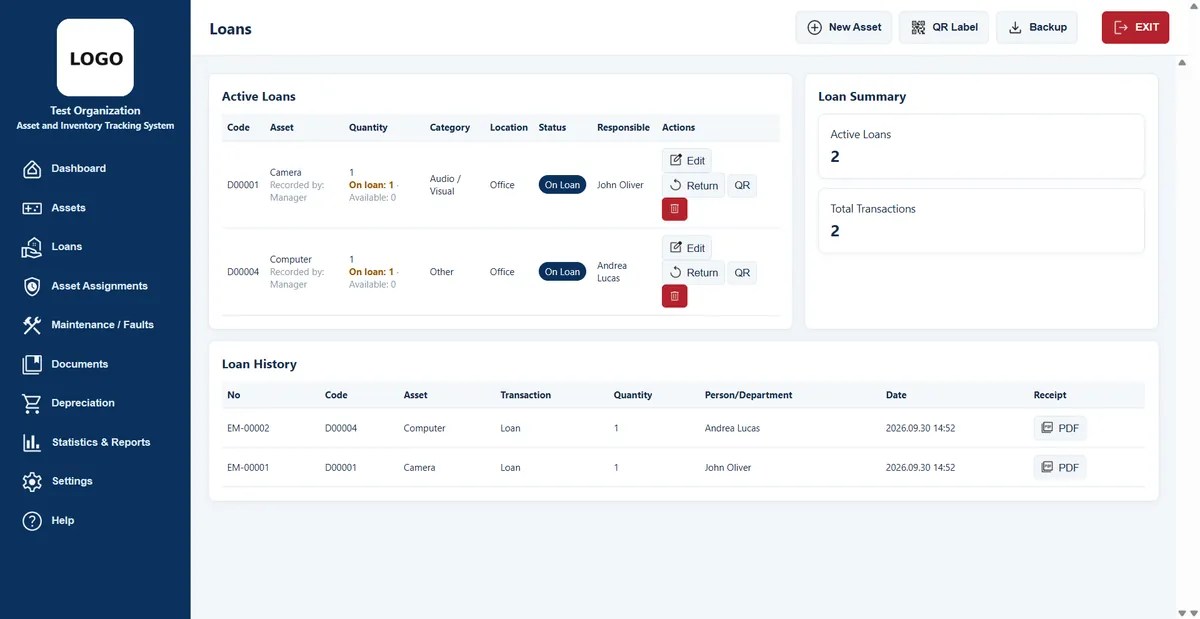
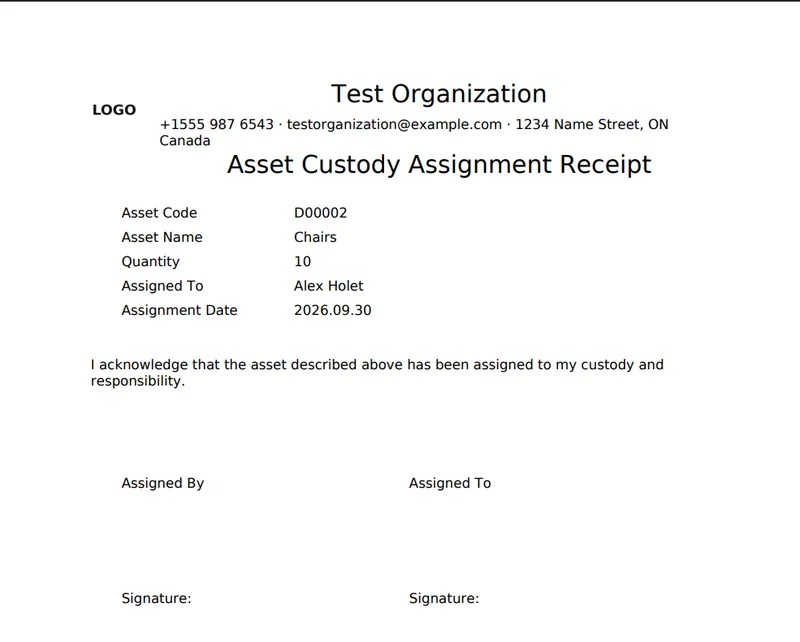
- Lend items and print a delivery receipt with signature lines.
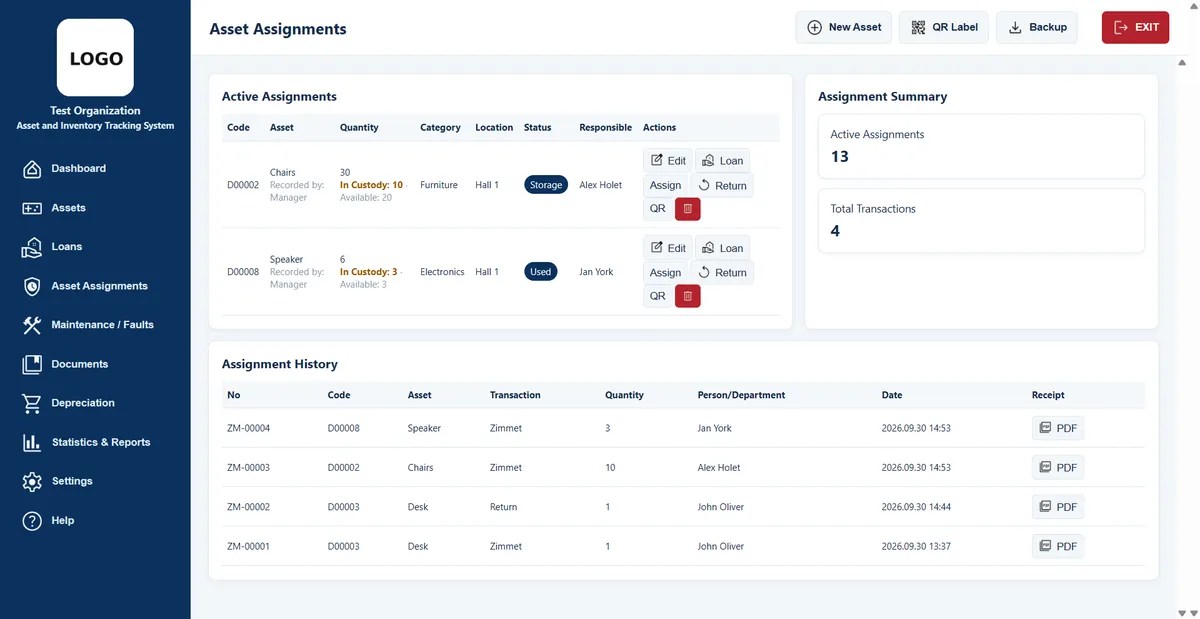
- Assign equipment to staff with a custody receipt, and see every active assignment at a glance.
- Full history of loans, returns and assignments for each asset.
Depreciation
Depreciation your accountant can read.
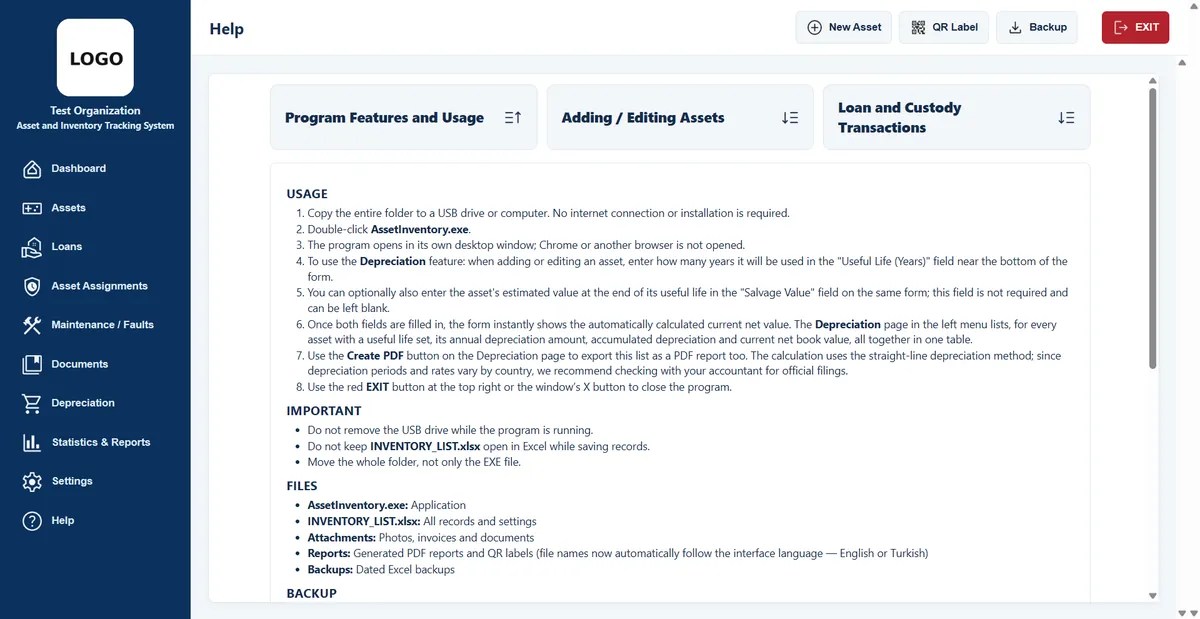
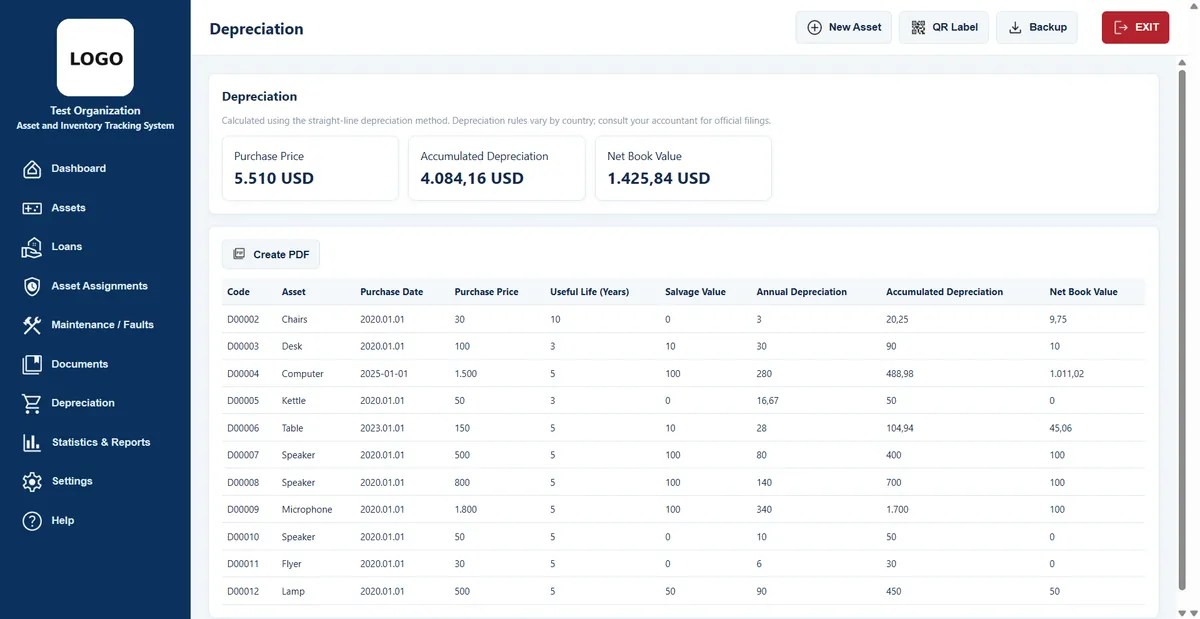
- Straight-line method from purchase price, useful life and salvage value.
- Net book value calculated live for every asset.
- PDF report with totals for purchase value, accumulated depreciation and book value.
Depreciation rules vary by country. Check official filings with your accountant.
Reports and labels
Reports and QR labels in one click.
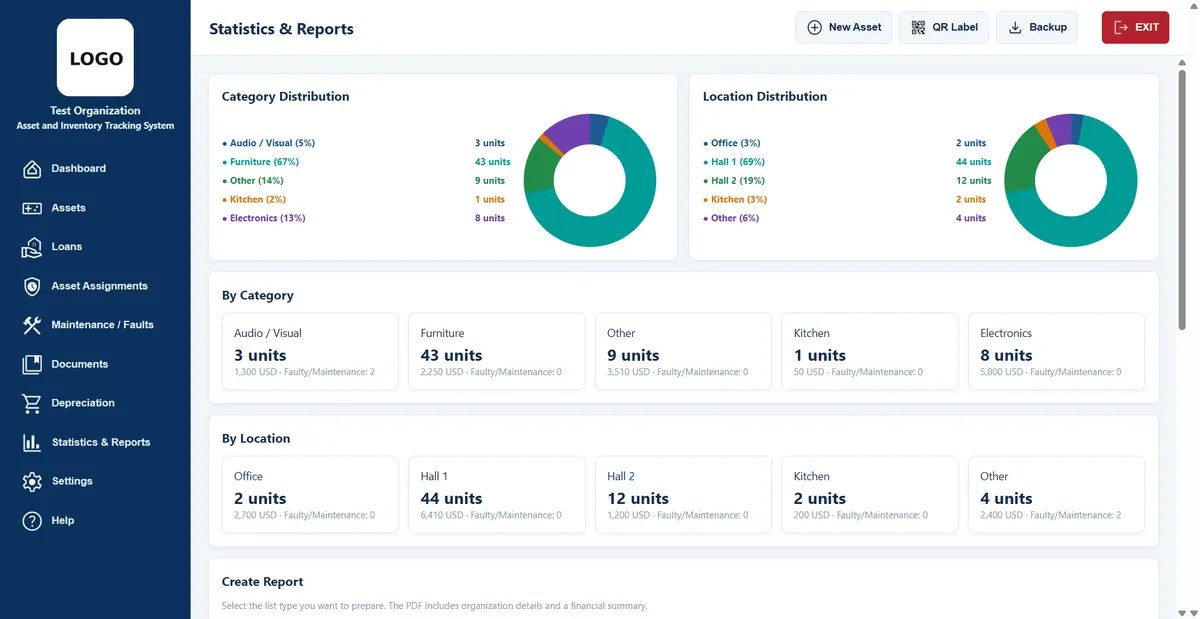
- Charts by category and location with unit counts and values.
- PDF reports for all assets, by status, location, category, loans or warranty.
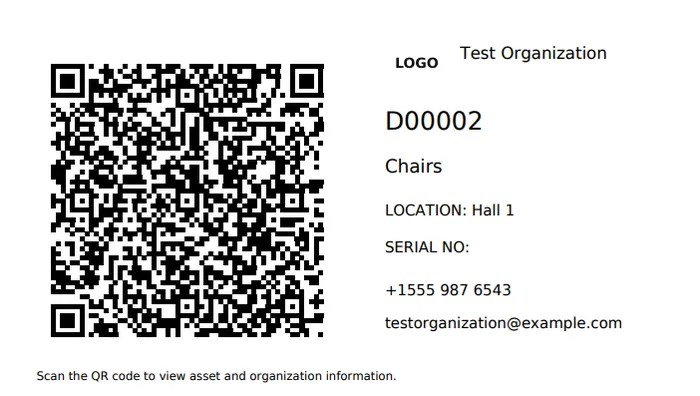
- QR labels with your logo, asset code, location and contact details.
Also included
The details that save time later.
Maintenance and faults
Record repairs and faults for each item, with dates and notes.
Warranty tracking
See which warranties are about to expire.
Automatic backups
Dated backups of your records, and one-click cleanup of old files.
Six languages
English, Kurdish, Turkish, German, French and Spanish.
Your logo, colors and details
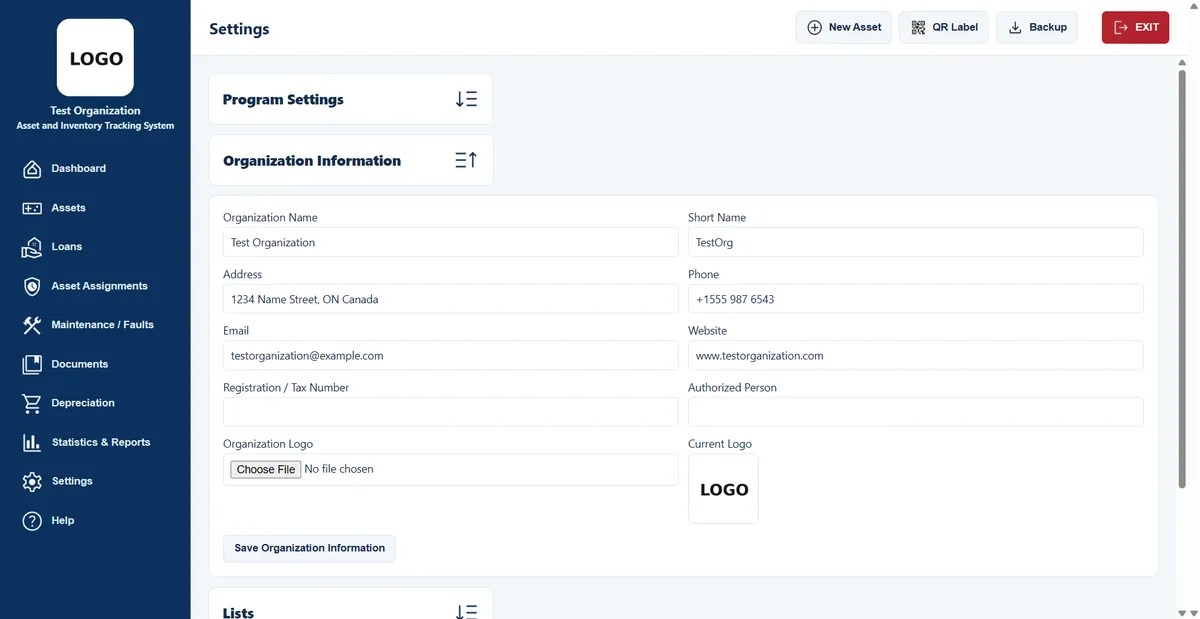
Enter your organization’s logo, name and contact details once. They appear in the program window, and every report, receipt and label you print carries them in its header, together with the document title.
Your data, handled for you
All records are written to an Excel file on your own computer. The program takes care of the setup for you, so there is nothing else to install.
License and updates
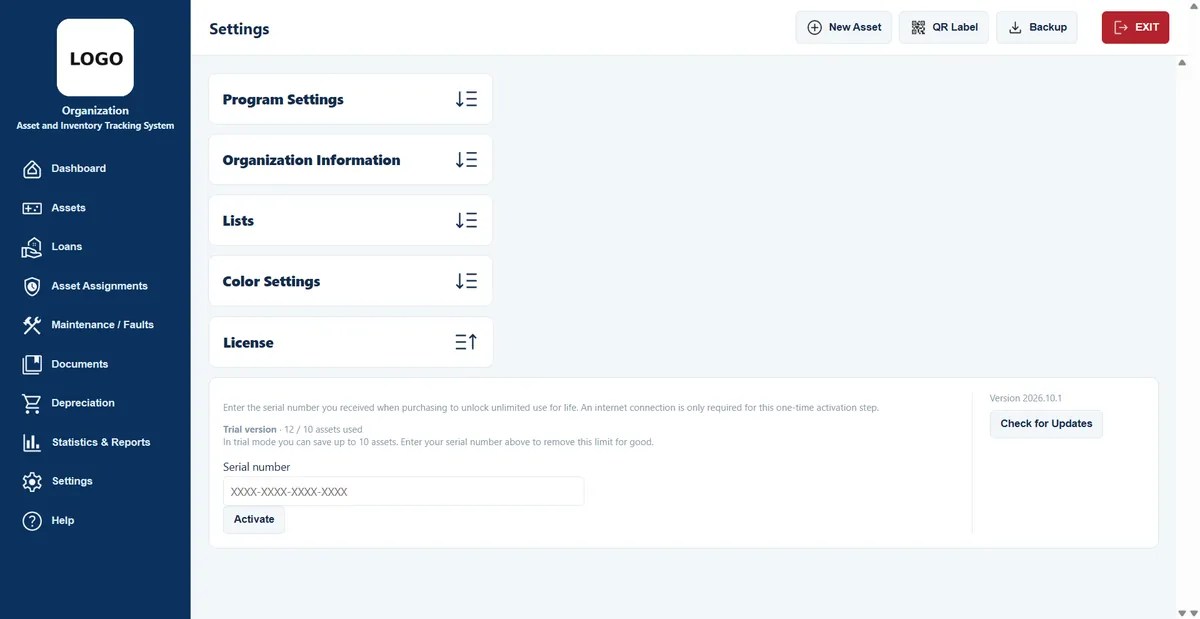
Activate once, then check for new versions from the License screen.
Asset & Inventory Tracker
CA$199
one-time · 1 computer
- Unlimited assets, loans and assignments
- Built-in “Check for updates” button
- Six languages
Video tour
See it in action. A short walk through the program.
Questions
Before you buy.
What happens to my trial records?
They stay. Enter your license key and the 10-record limit is removed instantly.
Where are my records stored?
In an Excel file on your own computer. Nothing is uploaded to a cloud server.
How do updates work?
Use “Check for updates” on the License screen. It compares your version with the latest one on our website.
How do I back up my records?
Create a backup from the program and load it again whenever you need to. Because your records are kept in an Excel file, you can also open them in Excel.
Can I add my organization’s details?
Yes. In Organization settings you enter your name, logo, address, phone and e-mail. They appear in the program and in the header of every printed document.
Can I change the colors?
Yes. Color settings let you choose the program’s colors to match your organization.
Do I need to install anything else?
No. The installer sets everything up for you, and there is no database or extra software to install.

